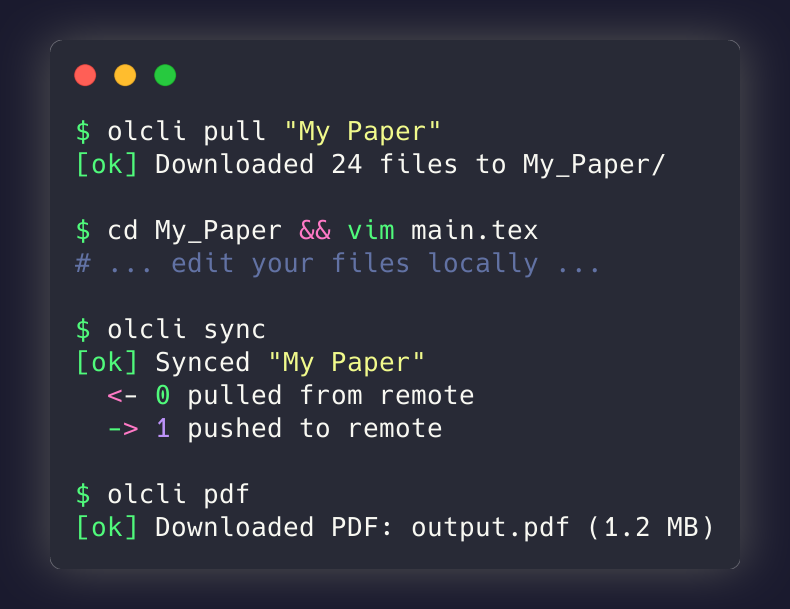
If you’ve ever wished you could work on your Overleaf projects with your favorite local editor, or automate LaTeX workflows from the command line, I have good news: olcli is here.

What is olcli?
olcli (Overleaf CLI) is an open-source command-line tool that lets you interact with your Overleaf projects directly from the terminal. Whether you’re a researcher preparing papers for arXiv, a student working on a thesis, or anyone who prefers working locally with tools like VS Code or Vim, olcli bridges the gap between Overleaf’s collaborative cloud platform and your local development environment.
Key Features
- Pull projects locally — Download any Overleaf project to work offline
- Push changes back — Upload your local edits seamlessly
- Bidirectional sync — Smart conflict detection with local-wins strategy
- Compile PDFs — Trigger compilation and download output
- arXiv-ready — Download
.bblfiles for arXiv submissions
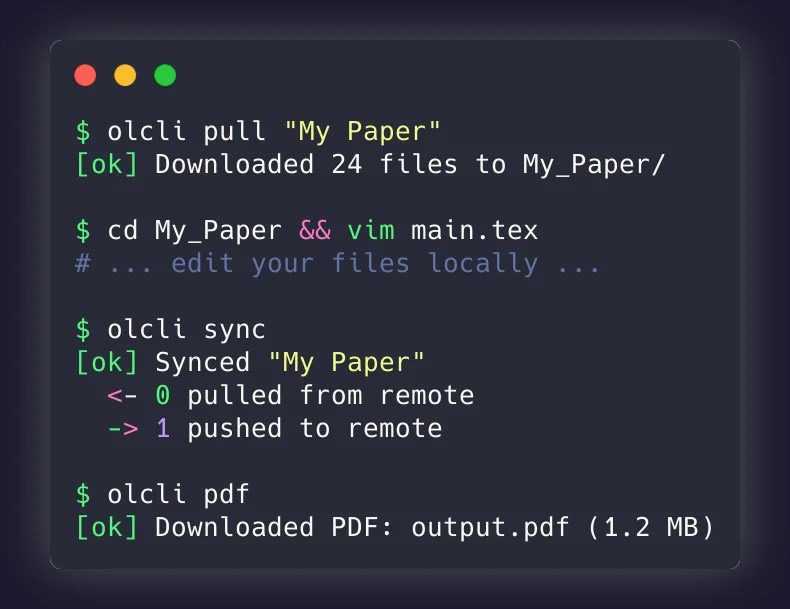
Installation
Getting started is simple. Choose your preferred method:
Homebrew (macOS/Linux)
brew tap aloth/tap
brew install olcli
npm
npm install -g @aloth/olcli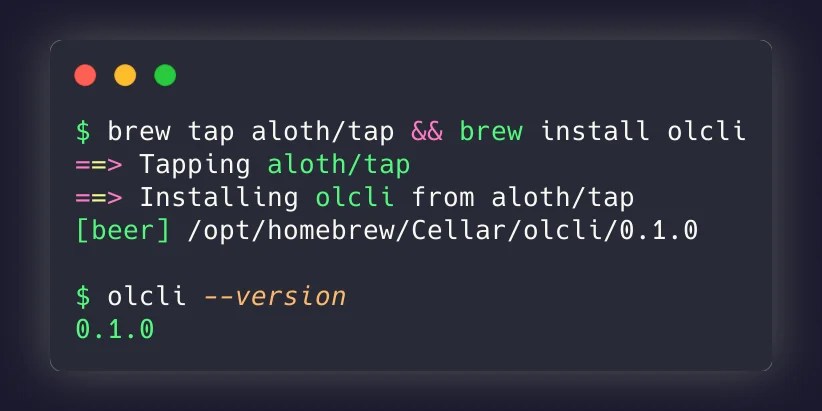
Quick Start
After installation, authenticate with your Overleaf session cookie (found in browser DevTools):
olcli auth --cookie "your_session_cookie"
olcli list                    # See all your projects
olcli pull "My Paper"         # Download locally
cd My_Paper && vim main.tex   # Edit with your favorite editor
olcli sync                    # Push changes back
olcli pdf                     # Compile and download PDF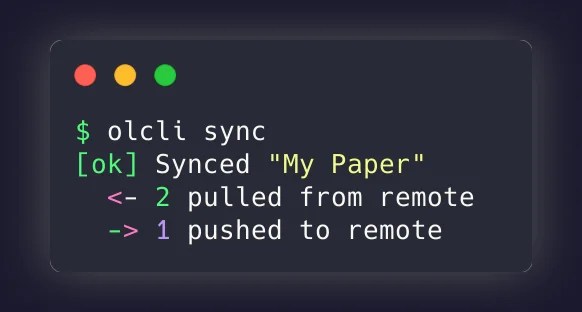
Perfect for arXiv Submissions
One of the most requested features: download compiled .bbl files for arXiv submissions. No more manual copying from the Overleaf output.
olcli output bbl              # Download compiled .bbl
olcli output --list           # See all available output files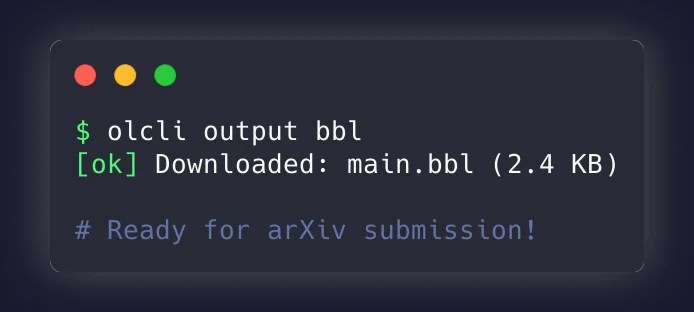
AI Agent Integration
For those working with AI assistants and agent frameworks, I’ve also created overleaf-skill, an Agent Skill that wraps olcli for seamless integration with AI workflows.
Claude Code, Cursor, and other AI agents can now manage your LaTeX projects:
npx skills add aloth/overleaf-skillThis allows AI agents to manage LaTeX projects, compile documents, and prepare arXiv submissions programmatically.
Get Involved
olcli is open source and contributions are welcome!
- GitHub: github.com/aloth/olcli
- npm: @aloth/olcli
- Agent Skill: github.com/aloth/overleaf-skill
If olcli helps your workflow, consider giving it a star on GitHub. Bug reports and feature requests are welcome via GitHub Issues.
Happy writing!

