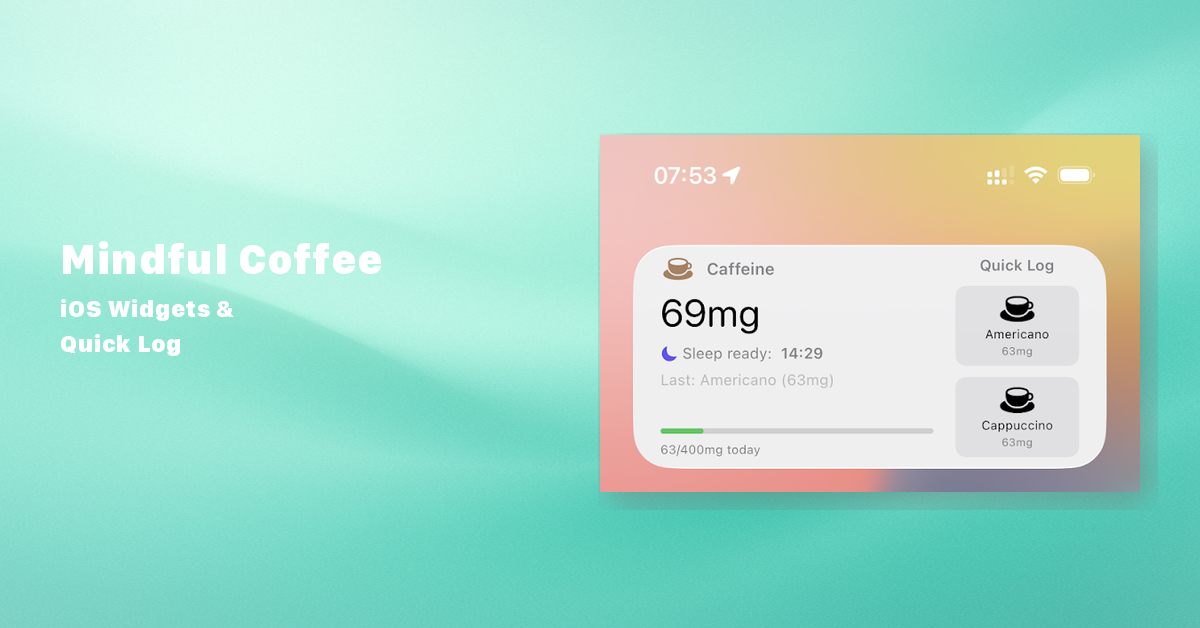
Mindful Coffee 5.5 is now available on the App Store, and it brings one of the most requested features: iOS Home Screen and Lock Screen Widgets.
Your Caffeine Level, Always Visible
No more opening the app just to check how much caffeine is still in your system. The new widgets put your key metrics right on your iPhone’s Home Screen:
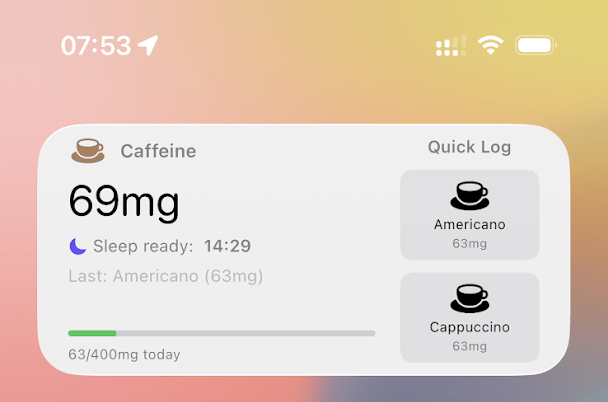
- Current caffeine level in milligrams
- Total daily intake
- Predicted sleep-ready time based on your personal metabolism
The small widget shows your caffeine level at a glance. The medium widget adds Quick Log buttons for your most-used drinks, so you can track a coffee with a single tap without ever opening the app.
Lock Screen Widgets
For an even lighter touch, Mindful Coffee 5.5 includes three Lock Screen widget styles:
- Circular – Your current caffeine level in a compact gauge
- Rectangular – Caffeine level with daily intake summary
- Inline – A single-line readout for the minimal Lock Screen bar
Quick Log: One Tap, Done
The medium Home Screen widget features Quick Log buttons that automatically show your most relevant drinks. The first slot shows your most recently tracked caffeinated drink, and the second shows your most frequently used drink over the past 30 days. Tap once, and it’s logged.
Get the Update
Mindful Coffee 5.5 is a free update for all existing users. Download it on the App Store or update through your iPhone.
Have ideas for what the widgets should show next? Let me know on GitHub.

